QR Menu vs Paper Menu: Which Is Better?
Honest comparison of digital QR menus and printed paper menus — real pros, cons, cost savings calculator, and a decision matrix by restaurant type.
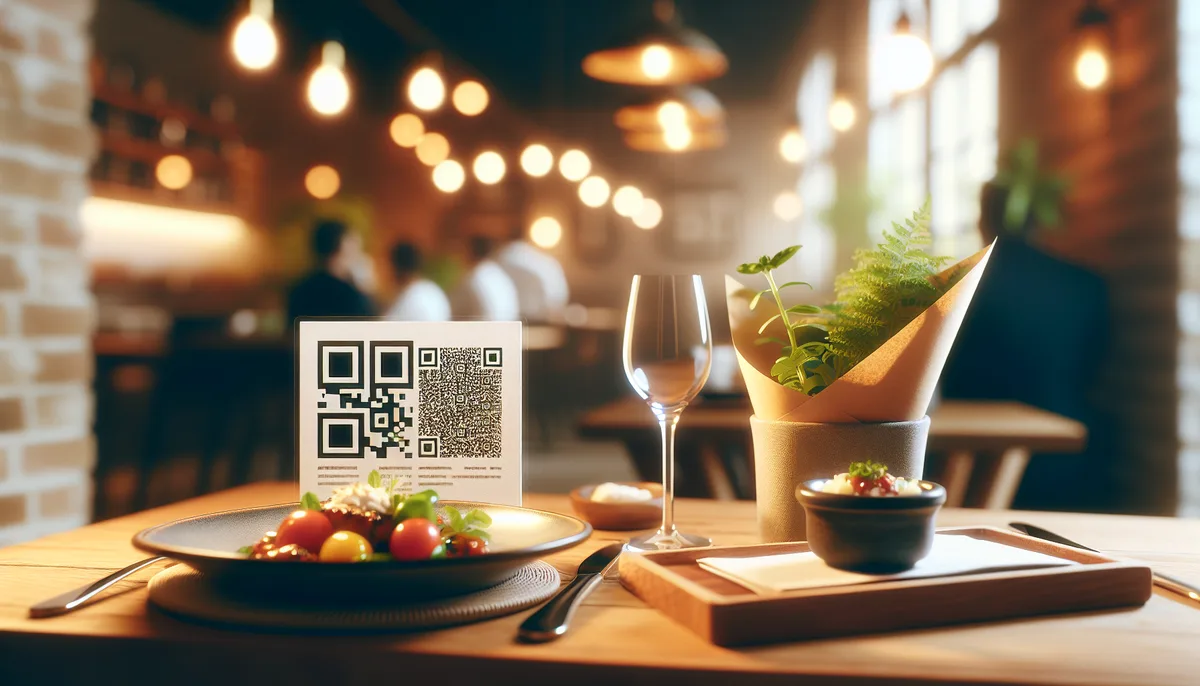
In 2024, something unexpected happened: hundreds of restaurants around the world started bringing back paper menus. After the QR code peak of 2021–2022, some venues admitted that the digital format simply doesn't work everywhere. Does this mean QR menus were overhyped? Or is paper just returning to where it belongs?
This article is an honest comparison — no marketing spin. What each format actually delivers, where each one falls short, and how to choose the right solution for your specific venue.
First: not all QR menus are the same
When people say "QR menu," they're actually describing four very different products:
1. PDF via QR code. The most basic option: a link to download or view a PDF file. Can't be updated without replacing the file, displays poorly on mobile, not indexed by Google. Essentially a paper menu, just less convenient.
2. Web page via QR code. A static website or page on a website builder. Better than PDF, but still requires internet access and can load slowly.
3. Interactive QR menu. A full web page with categories, dish photos, descriptions, filters, and live pricing. Updated instantly through a dashboard. This is what's worth comparing to a paper menu.
4. QR menu with online ordering. Same as above, plus the ability to place an order directly from the table — the guest selects dishes, the staff receives a notification. A different product class entirely.
Everything below compares interactive QR menus (type 3) with classic printed menus.
Advantages of QR menus
Cost savings — with real numbers
Paper menus require regular replacement: prices change, laminated pages wear out, new dishes are added. A typical breakdown for a 40-table restaurant:
| Expense | Paper menu | QR menu |
|---|---|---|
| Menu design | $150–$500/time | One-time setup |
| Printing (40 copies × 4 updates per year) | $300–$800/year | — |
| Replacing damaged copies | $80–$200/year | — |
| Service fee | — | $0 (Scan'n'plate is free) |
| Total per year | $530–$1,500 | ~$0 |
For a three-location group, savings can reach $4,500 per year on print alone.
Real-time updates
Avocado prices spiked — update the dish in 30 seconds. Fish sold out — hide the item with one toggle. Launching a seasonal menu — create a new category. All without calling a print shop or waiting for a new print run.
With a paper menu, changing a price means either a sticker (looks bad), a reprint (costs money), or crossing it out (drives guests away).
Dish photos increase orders
This isn't intuition — it's data. A dish with a quality photo gets ordered roughly 30% more often than the same dish without one. In a paper menu, photos are expensive: full-color printing on good paper can triple costs. In a QR menu, adding a photo costs nothing.
SEO bonus: guests find you on Google
This is the advantage almost no one talks about. An interactive QR menu is an indexable web page. Someone searches "café with vegan menu in Barcelona" — and your menu page can show up in results.
A PDF linked via QR code is not indexed by Google. Your establishment page on Scan'n'plate is.
Multilingual menus at no extra cost
If you're in a tourist area or serve international guests, the language question matters. Translating a paper menu into three languages means tripling design and print costs. With a QR menu, you fill in the content once in the desired language.
Analytics
Which categories do guests view most? Which dish gets no views at all? A QR menu can surface this data. Paper cannot.
Honest downsides of QR menus
Older guests — a genuine problem
Research suggests around 25% of restaurant guests experience difficulty with smartphones. Among guests over 65, that share is significantly higher. This isn't a "they'll get used to it" situation — a meaningful portion of the population genuinely cannot use a QR menu without help.
If your core audience is 55+, a QR-only approach creates a real barrier.
Dependence on internet connectivity
A QR menu requires mobile data or wi-fi. In basement restaurants, rural venues, or areas with poor signal coverage — a guest may simply be unable to open the page. This is solvable (good in-venue wi-fi), but requires attention.
The average check paradox
This is the uncomfortable truth QR menu vendors prefer not to discuss. A study published in the International Journal of Hospitality Management (2024) found that in some venues, the average check declined with QR menus.
The reason is psychological. With a paper menu, guests don't see a running total. With a digital menu that shows a basket, they do — and they start adjusting their order. QR menus also make price comparison easier, which sometimes works against the venue.
This doesn't mean QR is bad. It means betting solely on "automatic check growth" may not pay off without proper menu optimization.
How to neutralize the paradox: use anchor pricing, the right dish order, and add-ons. Read more in How to increase average check through menu design.
Loss of atmosphere in premium segments
In a fine dining restaurant, the menu is part of the ritual. A heavy leather folder, thick paper, careful typography. That feeling cannot be replicated on a smartphone screen. A guest spending $150 on dinner shouldn't have to pull out their phone to read the menu.
When paper menus win
Fine dining and haute cuisine. A physical menu is part of the premium experience. Switching to QR in this segment lowers perceived value.
Venues with older audiences. If your guests skew 55+, a paper menu reduces the ordering barrier.
Areas with poor internet. Rural restaurants, basement venues, locations without reliable wi-fi.
Short, stable menus. If you have 10–15 items that rarely change, the savings from QR are minimal and the setup effort isn't justified.
Decision matrix: which format to choose
| Type of venue | Primary audience | Recommendation |
|---|---|---|
| Fine dining | Adults, high income | Paper only |
| Family restaurant | Mixed, including 55+ | Hybrid (QR + paper) |
| Café / coffee shop | Ages 20–45 | QR menu |
| Fast food / food court | All ages | QR menu or screen |
| Bar / pub | Ages 25–45 | QR menu |
| Tourist café | International guests | QR menu (multilingual) |
| Rural / countryside venue | Mixed | Hybrid (weak connectivity) |
| Delivery / dark kitchen | Online only | QR not needed |
For specific venue types, dedicated Scan'n'plate solution pages cover the workflow in detail: multilingual QR menu for hotels, QR menu with happy hour for bars, fast-food QR ordering, QR menu for restaurants, and QR menu with cart and add-ons.
The hybrid approach: optimal for most venues
Most venues benefit from combining both formats. A practical setup:
- QR code on every table — the primary format for most guests
- 5–10 laminated menus — for guests who prefer paper or struggle with smartphones
- Staff offer both options — without pressure, on request
The cost of 10 laminated menus is roughly $30–$80. A small insurance policy that solves the older guest problem with minimal investment.
ROI: calculating your savings
Enter your venue parameters — the calculator will show annual costs and break-even time:
How to switch to a QR menu in one day
If you've decided to try it, here's the minimum path:
- Sign up at scan-n-plate.com — via Google, no password needed
- Create your establishment — name, type, address, opening hours
- Add categories and dishes — at least your key items
- Publish — your establishment becomes available at a permanent link
- Download the QR code — print-ready
- Print and place on tables — in an acrylic stand or as a sticker
Full step-by-step guide: How to create a QR menu. If you'd rather start by comparing formats before picking a service — read How to digitize a restaurant menu first.
Frequently asked questions
Can a QR menu work without internet?
No — the guest opens the page through a browser, so internet is required. The fix: reliable in-venue wi-fi with the password visible on the table. Most guests will connect willingly — it's convenient for other things too.
Do I need to reprint the QR code when I update the menu?
No. The QR code points to a permanent link for your establishment — it never changes. Update dishes and prices as many times as you want; the code stays the same. This is one of the key advantages over a PDF.
What if a guest doesn't want to use a QR code?
Keep a few laminated menus for those guests. The hybrid approach is the best solution for most venues. Avoid making QR the only option if your audience varies in age.
Is it true that QR menus lower the average check?
It can happen if the menu isn't optimized. QR provides more price transparency — guests see the total and may adjust their order. The fix: proper dish order, anchor pricing, add-ons. With good setup, a QR menu increases the check through photos, add-ons, and visible promotions.
How does a QR menu help with SEO?
Your establishment page on Scan'n'plate is an indexable web page that Google can find. Someone searching "café with vegan options" or "restaurant near [your location]" may discover you directly through search. A PDF menu offers no such benefit.
How much does a QR menu cost?
Creating an establishment, menu, and QR code on Scan'n'plate is free. No hidden fees, no subscriptions. Try it and see for yourself.
A QR menu isn't the right replacement for paper everywhere — and it isn't an outdated trend either. It's a tool that works in specific conditions:
- Choose QR if your audience is young or mixed, you update your menu frequently, you're in a tourist area, or you want to cut print costs.
- Keep paper if you're fine dining, your guests skew 55+, or you have unreliable internet in the venue.
- Combine both if your audience is diverse — it covers every scenario at minimal cost.
You can try a QR menu for free — setup takes 15 minutes.